Back to apps
GreenBills icon
freeiPhoneiPadMac

Product dossier

GreenBills

A clearer view of every entry

A faster, cleaner expense tracker with natural-language entry, screenshot OCR, statement imports, accounts, budgets, family ledgers, and long-term money planning.

GreenBills quick entry screen

Current version

3.1.0, available on the App Store

Capture

natural language / screenshot OCR / statement import

Family access

invite members to edit or give view-only access

Data control

local by default, optional iCloud, full backup and restore

Core flows

From logging one entry to understanding your money.

GreenBills 3.1 connects capture, imports, accounts, budgets, and family ledgers so daily logging and long-term review stay in one flow.

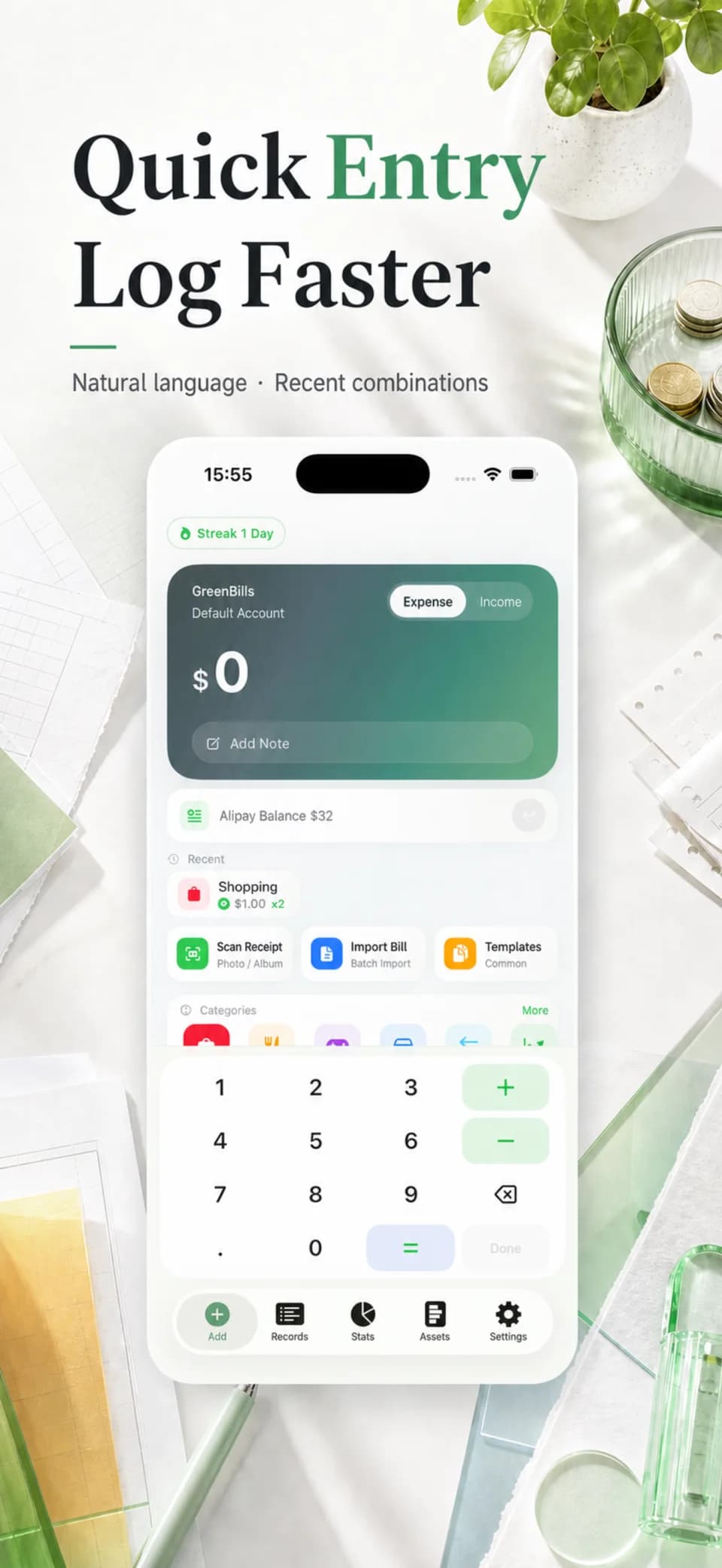
Log with a sentence, a screenshot, or a saved favourite

Every frequent entry point reduces repeated work. Manual capture still includes a calculator and continuous editing when a transaction needs more control.

Natural-language entry

Type the amount, merchant, and payment method to fill the note, platform, and category.

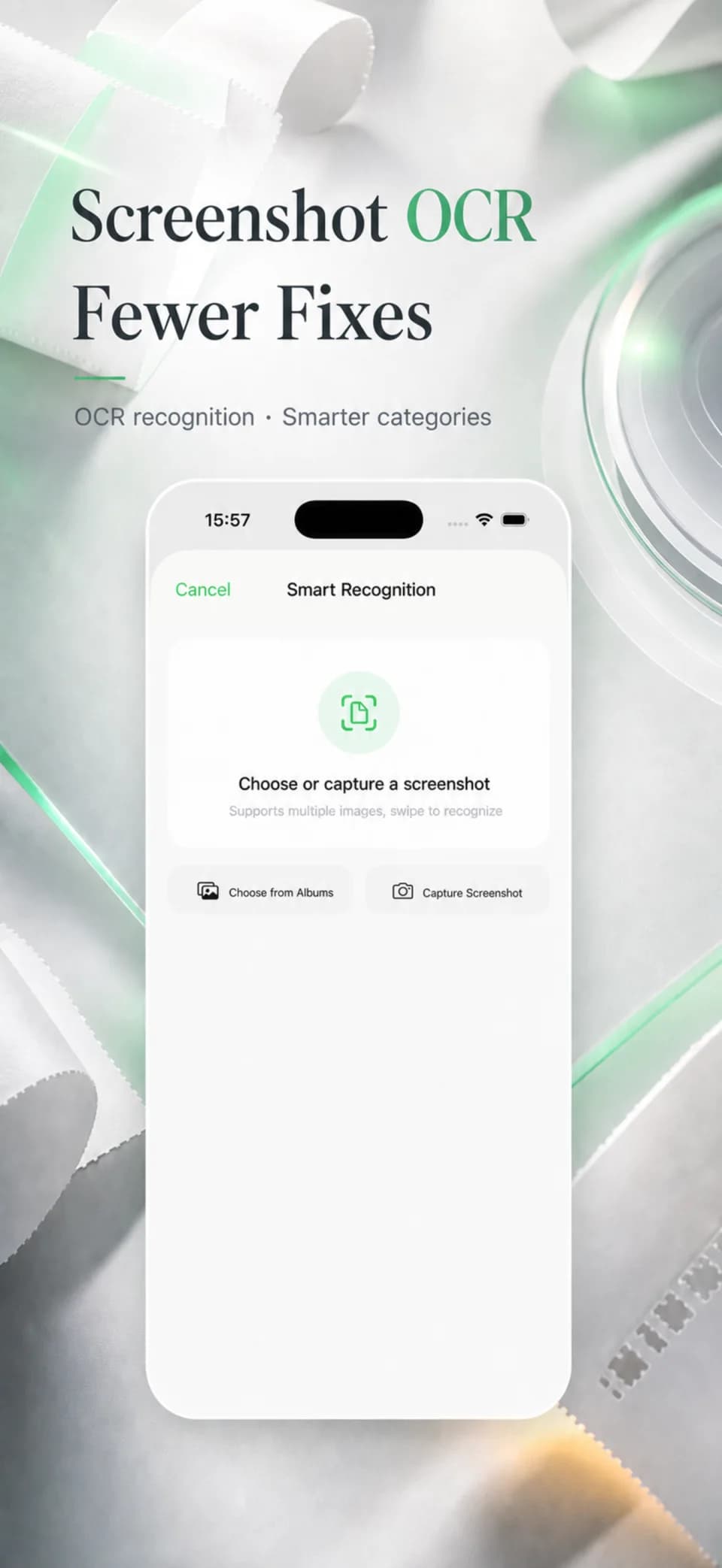
Screenshot OCR

Extract the amount, merchant, and time, then review batches with duplicate warnings.

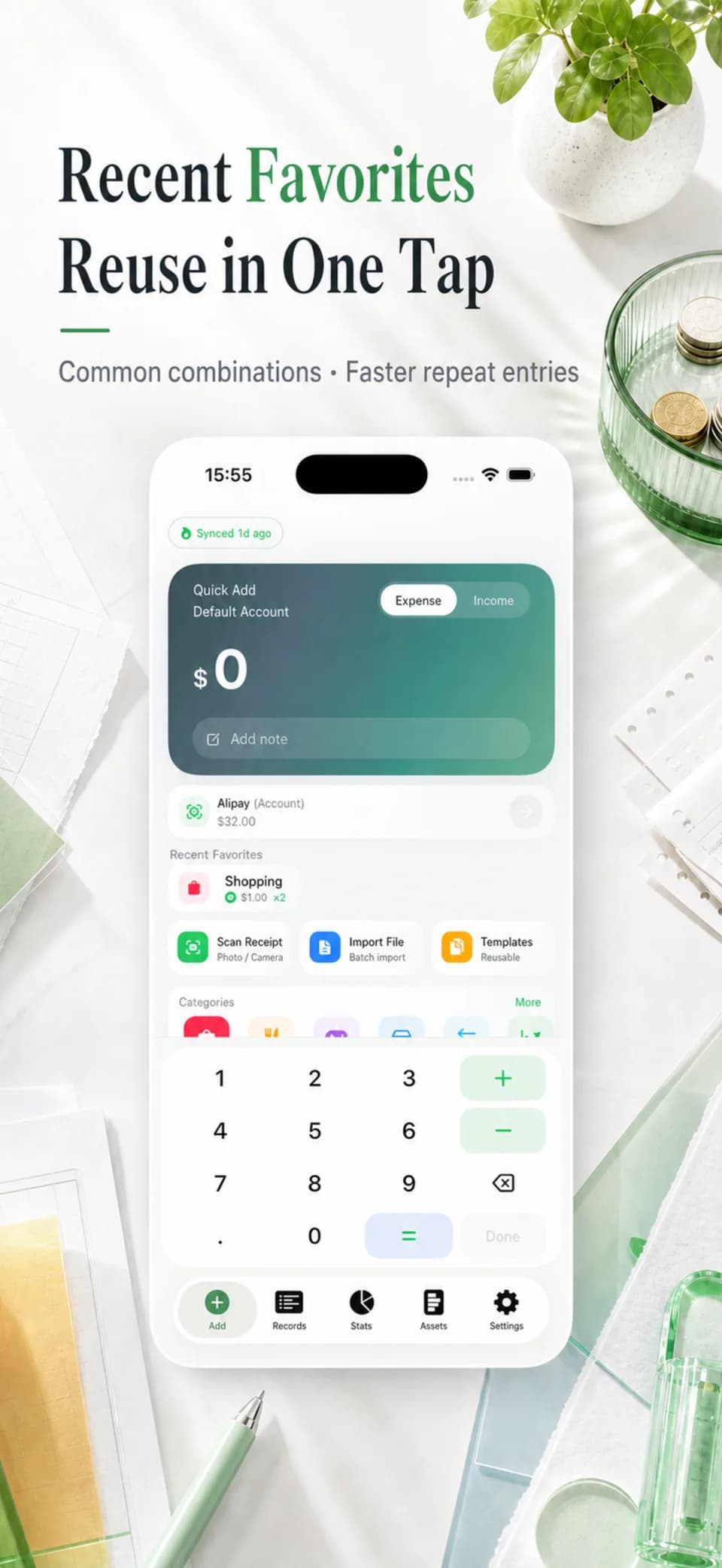
Recent favourites

Reuse frequent combinations for coffee, commuting, takeaway, and other repeated expenses.
GreenBills quick entry screen
GreenBills screenshot OCR screen
GreenBills recent favourites screen
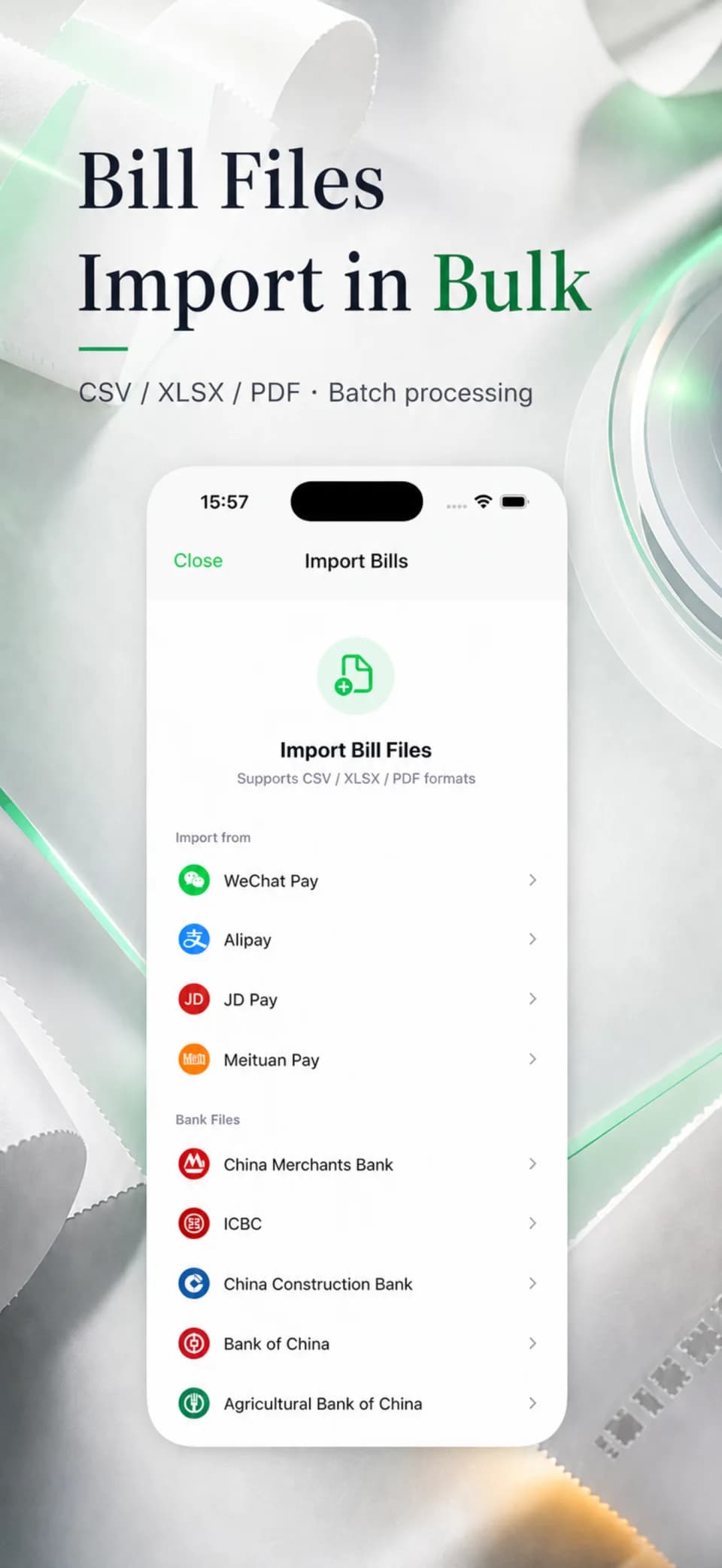
GreenBills statement import screen

Bring in past statements, with room to review and undo

WeChat and Alipay CSV or XLSX files are mapped by direction, platform, and category. Version 3.1 adds stronger duplicate checks, batch undo, and bulk editing.

Reduce duplicates

OCR and file imports share stronger checks so the same purchase is less likely to be logged twice.

Stay in control

Review results one by one, then undo an import batch or correct several records together.

Balances, budgets, and trends share one financial view

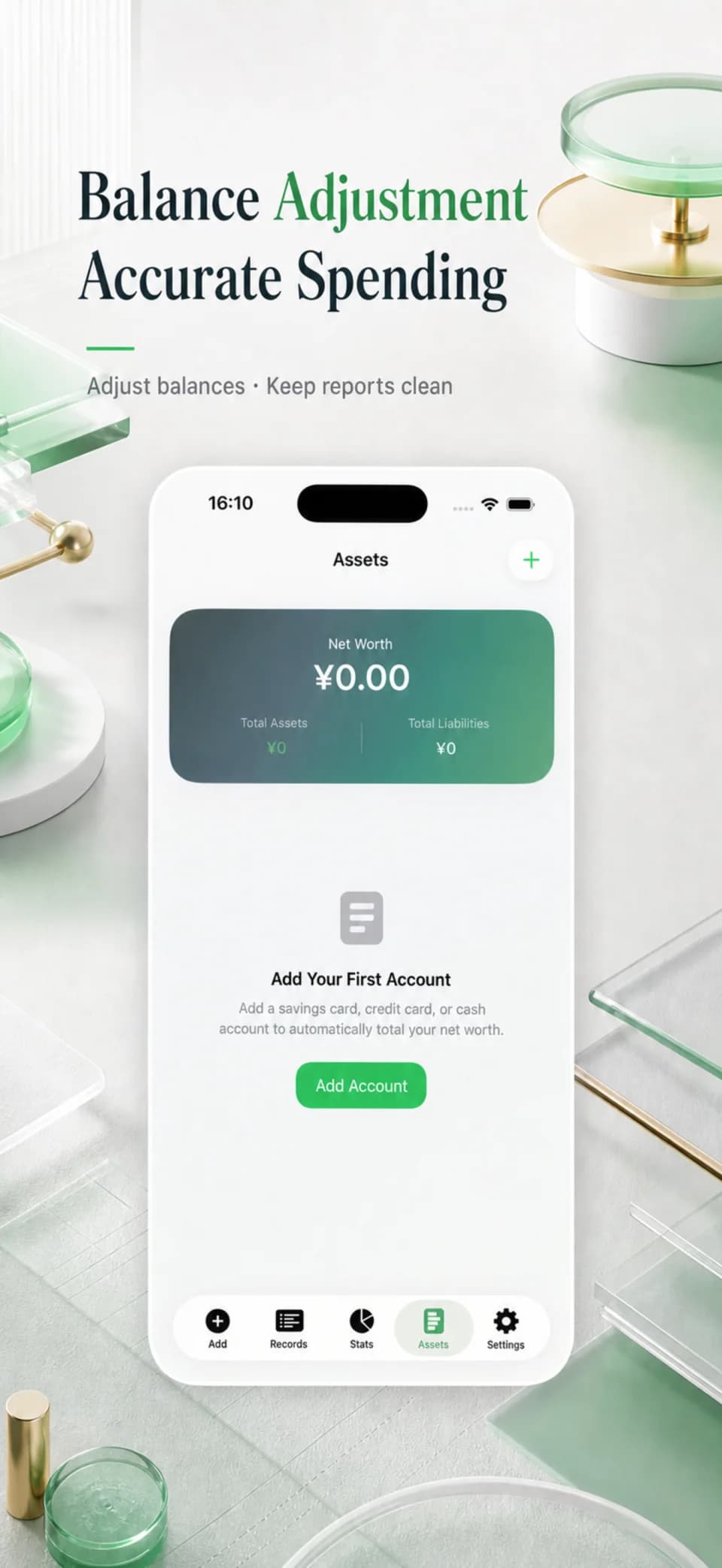
Balance calibration corrects account totals without distorting spending. Refunds, reimbursements, and multi-currency records keep their own rules for net spending and historical balances.

GreenBills account calibration screenGreenBills budget insights screen
GreenBills budget insights on iPad

Accounts and net worth

Track cash, savings, credit cards, and e-wallets with assets, liabilities, and net worth in one place.

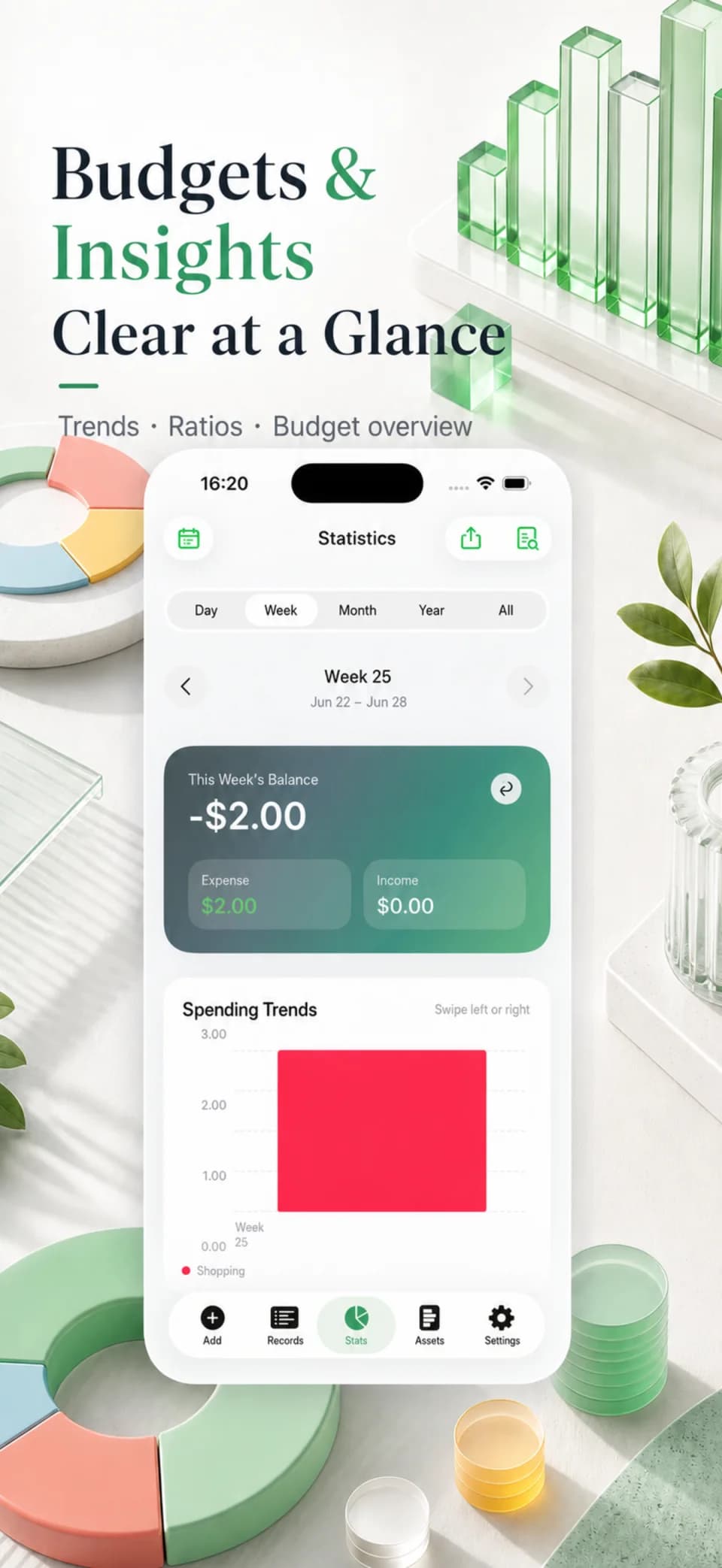
Budgets and insights

Set monthly or multi-period limits, then review month-end forecasts, anomalies, and period comparisons.

Long-term planning

Keep category budgets, savings goals, upcoming bills, recurring entries, and instalments in the same system.

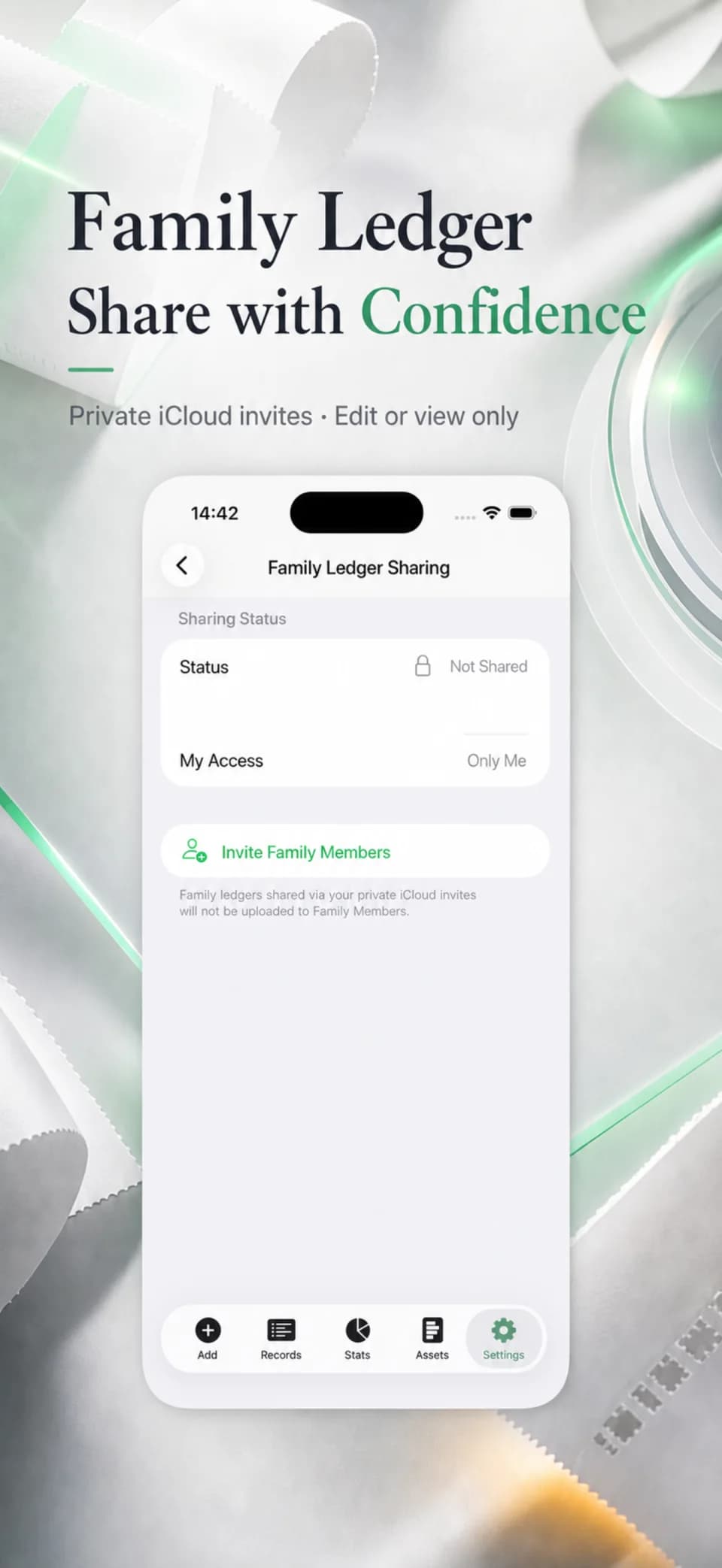
Keep personal ledgers private and share family ledgers by invitation

Ledger details stay local by default with optional private iCloud sync. Family members can receive edit or view-only access without exposing personal ledgers.

Your data stays portable

Full backup and restore support migration and recovery, while CSV exports continue in Excel or Numbers. App Lock supports Face ID and Touch ID.

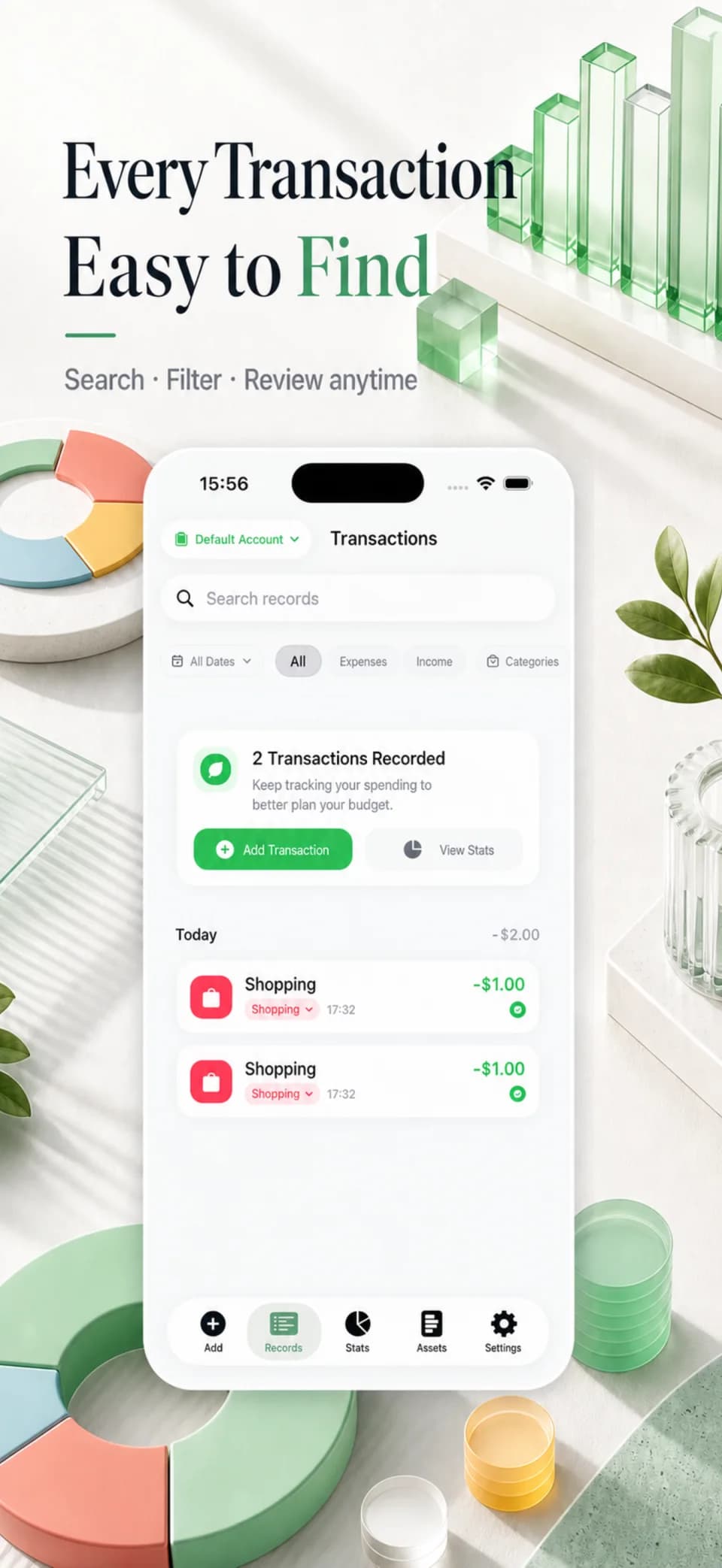
GreenBills transaction filtering screenGreenBills family ledger sharing screen

Full capabilities

Natural-language entry, recent favourites, and a built-in calculator

Batch screenshot OCR with review and duplicate warnings

WeChat and Alipay CSV or XLSX imports with batch undo and bulk editing

Multiple ledgers, accounts, assets, liabilities, net worth, and balance calibration

Monthly, multi-period, and category budgets with forecasts and anomaly insights

Family ledger invitations with collaborative editing or view-only access

Savings goals, upcoming bills, recurring entries, instalments, refunds, and reimbursements

Multi-currency records, private iCloud sync, full backup and restore, CSV export, and biometric App Lock

Repeated purchases should not require repeated setup

Natural-language entry fills the amount, note, platform, and category. Recent favourites and the calculator cover repeated spending and precise manual entry.

Screenshots and past statements join the same ledger

OCR supports batch review and learned categories. WeChat and Alipay CSV or XLSX files map transaction direction, platform, and category with stronger duplicate checks.

Correct a balance without rewriting spending history

Cash, savings, credit cards, and e-wallets roll into assets, liabilities, and net worth. Balance calibration only adjusts the account total.

See where a category may land by month end

Monthly, multi-period, and category budgets use net spending, then add month-end forecasts, anomaly signals, and period comparisons.

Plan goals, upcoming bills, and cash flow ahead

Savings goals, recurring entries, instalments, linked refunds, reimbursements, and multi-currency records keep their own financial rules.

Share an invited ledger without exposing personal data

Family members can collaborate or receive view-only access. Personal ledgers stay separate while family data is shared through private iCloud invitations.

Data and privacy

Ledger details stay local by default and are not sent to developer servers.
Minimised analytics exclude merchants, notes, screenshots, OCR text, and exact amounts.
Full backup, restore, CSV export, and import undo keep data under user control.
Face ID and Touch ID protect ledgers on the device.

Release facts

Requirements

iOS 17.0+ / iPadOS 17.0+ / macOS 14.0+ (Apple M1+)

Release status

Available on the App Store

Distribution

Distributed through the public store with regular updates.